
12.8.16
25.12.15
18.12.15
11.12.15
6.10.12
DAEMON Tools Lite 4.45.4
 4:52 PM
 tamersab
DAEMON Tools Lite 4.45.4
DAEMON Tools - 13.63MB (Freeware)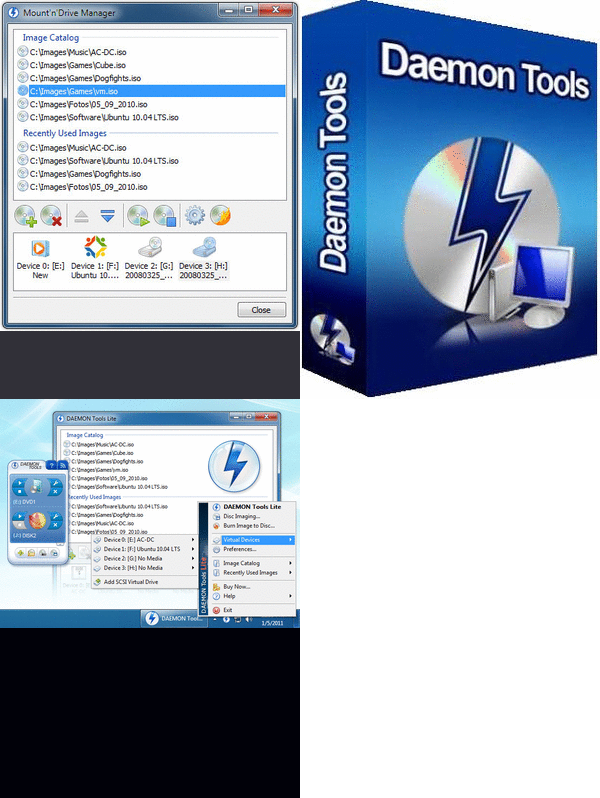
With DAEMON Tools you can back up your physical CD/DVD/HD DVD/Blu-ray discs into "virtual discs" or so called "disc image" files, which run directly on your hard drive. You can also work with images created by other burning programs! DAEMON Tools supports variety of image types. Use CD/DVD image converter to have one format images in your Image Catalog!
1. Emulate virtual CD/DVD-ROM/HD DVD and Blu-ray drives
DAEMON Tools Lite [Commercial] enables you to emulate up to 4 CD/DVD virtual drives on your PC. Virtual drives will appear in your OS just like real ones. Select a virtual drive then choose a disc image you want to mount. Find the created virtual drive with mounted disc image in My Computer. Start working! Looks like working with a real drive and a real disc, doesn't it? Yes, but it is much faster!
2. Create a disc image
With DAEMON Tools Lite [Commercial] you can create ISO and MDS image files from original discs inserted in physical CD/DVD/HD DVD/Blu-ray drives. Or use images you have created earlier with other program. DAEMON Tools products work with variety of image types.

 Posted in
CD and DVD Tools
Posted in
CD and DVD Tools
Google Chrome 23.0.1271.17 Beta
4:45 PM
tamersab
Google Chrome 23.0.1271.17 Beta
Google - 29.01MB (Open Source) -
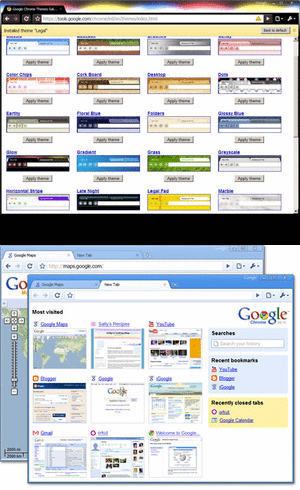
Google Chrome is a browser that combines a minimal design with sophisticated technology to make the web faster, safer, and easier.
One box for everything
Type in the address bar and get suggestions for both search and web pages.
Thumbnails of your top sites
Access your favorite pages instantly with lightning speed from any new tab.
Incognito mode
Don't want pages you visit to show up in your web history? Choose incognito mode for private browsing.
One box for everything
Type in the address bar and get suggestions for both search and web pages.
Thumbnails of your top sites
Access your favorite pages instantly with lightning speed from any new tab.
Incognito mode
Don't want pages you visit to show up in your web history? Choose incognito mode for private browsing.

Firefox 4.0 Beta 10
4:37 PM
tamersab

Firefox 4.0 Beta 10
11.28MB (Open Source) -
The Web is all about innovation, and Firefox sets the pace with dozens of new features to deliver a faster, more secure and customizable Web browsing experience for all.
User Experience. The enhancements to Firefox provide the best possible browsing experience on the Web. The new Firefox smart location bar, affectionately known as the "Awesome Bar," learns as people use it, adapting to user preferences and offering better fitting matches over time.
Performance. Firefox is built on top of the powerful new Gecko platform, resulting in a safer, easier to use and more personal product.
Security. Firefox raises the bar for security. The new malware and phishing protection helps protect from viruses, worms, trojans and spyware to keep people safe on the Web.
Customization. Everyone uses the Web differently, and Firefox lets users customize their browser with more than 5,000 add-ons.

User Experience. The enhancements to Firefox provide the best possible browsing experience on the Web. The new Firefox smart location bar, affectionately known as the "Awesome Bar," learns as people use it, adapting to user preferences and offering better fitting matches over time.
Performance. Firefox is built on top of the powerful new Gecko platform, resulting in a safer, easier to use and more personal product.
Security. Firefox raises the bar for security. The new malware and phishing protection helps protect from viruses, worms, trojans and spyware to keep people safe on the Web.
Customization. Everyone uses the Web differently, and Firefox lets users customize their browser with more than 5,000 add-ons.
 Posted in
INTERNET BROWSERS
Posted in
INTERNET BROWSERS
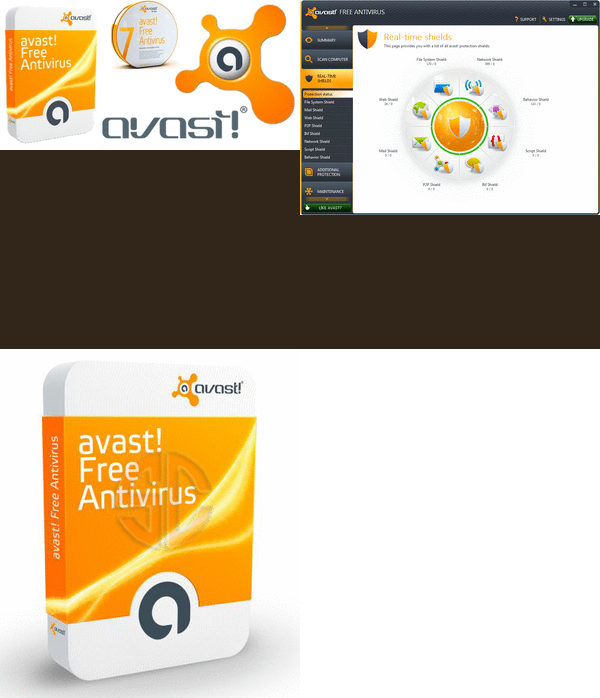
Avast! Free Antivirus 7.0.1466
4:32 PM
tamersab
89.32MB (Non-Commercial Freeware)
 Posted in
ANTIVIRUS
Posted in
ANTIVIRUS
3.5.11
LeechGet 2009 Version 2.1
12:17 PM
tamersab
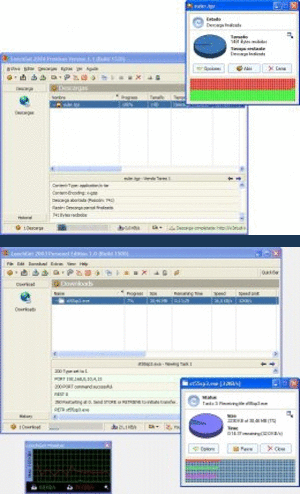
LeechGet 2009 Version 2.1
2.91MB (Non-Commercial Freeware)LeechGet is a download manager that uses a very nice, modern, Microsoft Outlook-like user interface and seamlessly integrates into Internet Explorer, allowing you to easily start and manage your downloads.
In addition, LeechGet provides many features, such a automatic downloading, resume of broken downloads, a download timer, automatic hang-up and shutdown and more. A built-in web parser lets you download complete website with all images and scripts in no time. LeechGet also provides a history of your downloaded files, sorted by day, week and month. Additional features include a file drop icon, a speed monitor and much more.
 Posted in
Download Managers
Posted in
Download Managers
Free Download Manager 3.0.852
11:28 AM
tamersab
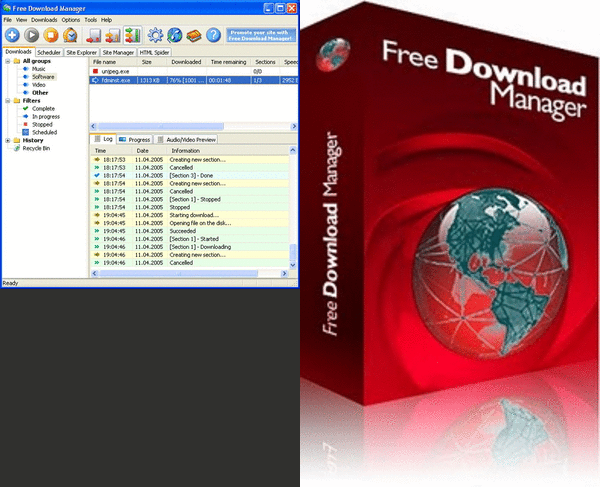
Free Download Manager 3.0.852
6.53MB (Open Source)Free Download Manager? It is a powerful, easy-to-use and absolutely free download accelerator and manager. Moreover, FDM is 100% safe, open-source software distributed under GPL license.
Posted in
Download Managers
FlashGet 3.7.0.1156
11:20 AM
tamersab
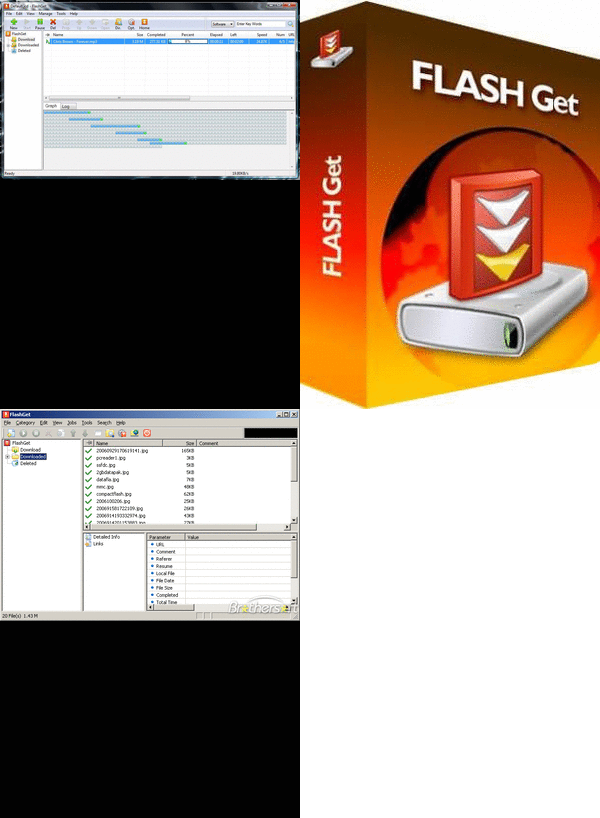
FlashGet 3.7.0.1156
5.92MB (Freeware)Want faster downloads and easier management of downloaded files? Then you need FlashGet.
If you've ever waited forever for your files to download from a slow connection, or been cut off mid-way through a download - or just can't keep track of your ever-growing downloads - FlashGet is for you.
FlashGet can split downloaded files into sections, downloading each section simultaneously, for an increase in downloading speed from 100% to 500%. This, coupled with FlashGet's powerful and easy-to-use management features, helps you take control of your downloads like never before.
 Posted in
Download Managers
Posted in
Download Managers
Orbit Downloader 4.1.0
11:12 AM
tamersab
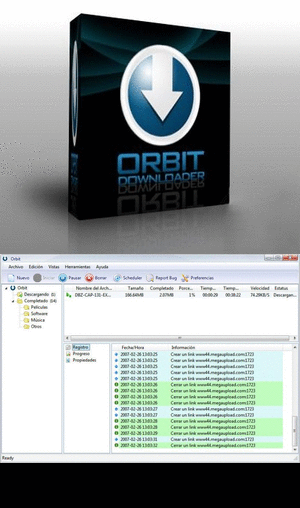
Orbit Downloader 4.1.0
4.18MB (Freeware)Orbit Downloader, is a download manager specifically designed for the new generation Web (Web 2.0). You can use Orbit to download video/music/files from Myspace, YouTube, Imeem, Pandora, and Rapidshare, or on any site to make general downloading easier and faster.
Posted in
Download Managers


